Artyland and Art Academy are two real examples from our work. See how their interfaces connect content with the visitor’s next step, and decide what fits your business.
Each educational project has its own requirements. Features in these examples are not included in every plan; check the feature comparison before choosing.
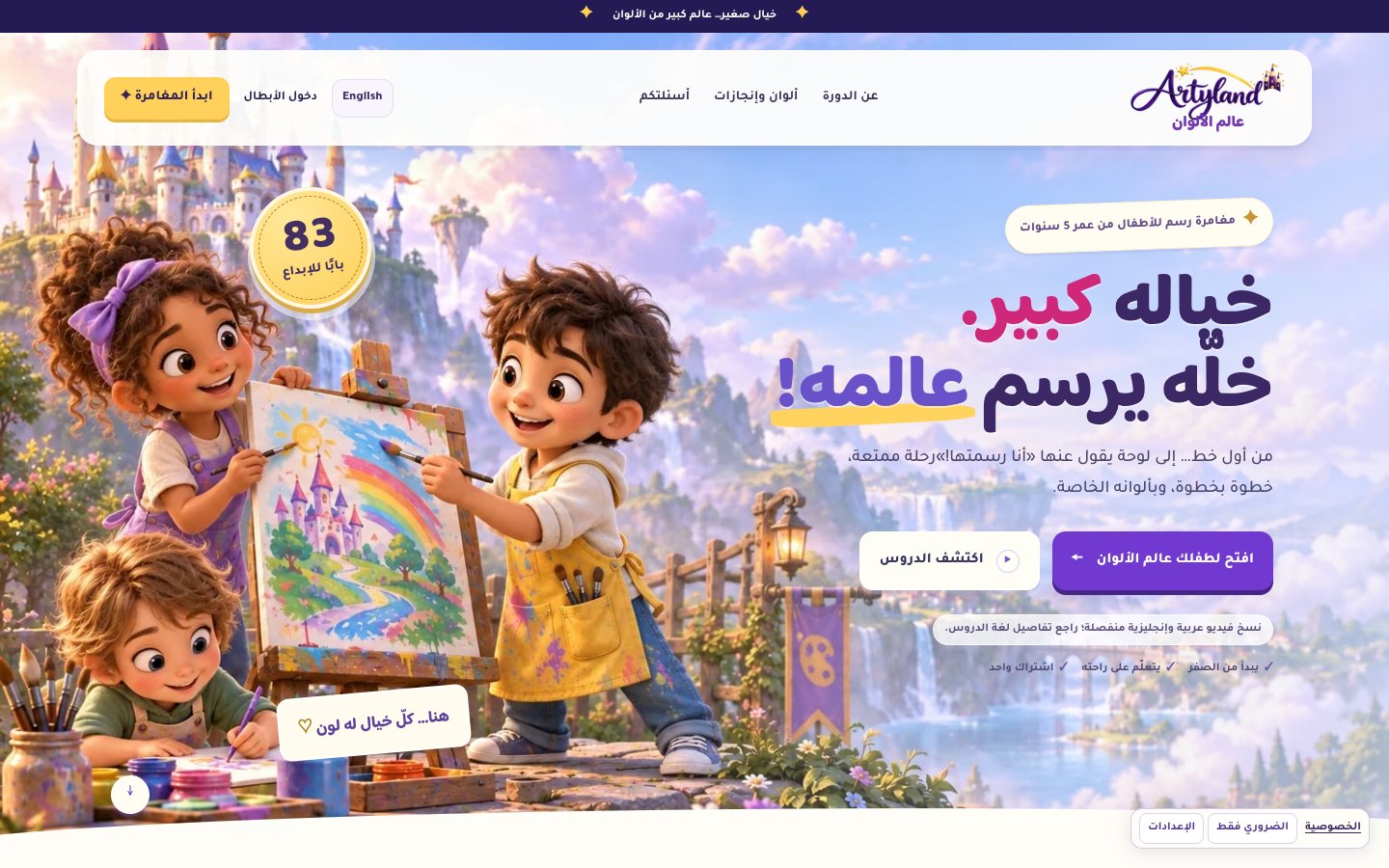
Presenting a children’s learning course
Artyland
A recorded drawing and colouring course for children. The opening explains the intended age group and course concept, then connects parents with lesson details and enrolment.
A screenshot from our portfolio; the published interface may change with updates.
Interface organisation decisions
Explain the offer before enrolment
Age suitability and recorded learning appear near the start so parents can assess whether the course fits their child.
Make the curriculum explorable
Learning worlds and stations, linked to course details, let parents explore the material before deciding.
Answer purchase questions
Materials, viewing, certificates and refunds have clear sections. Adventure imagery is illustrative; gallery images are course examples.
Apply the idea to your website
For a single course or experience, explain the intended audience, what it contains and how subscribers access it. Provide these details in your website brief after payment.
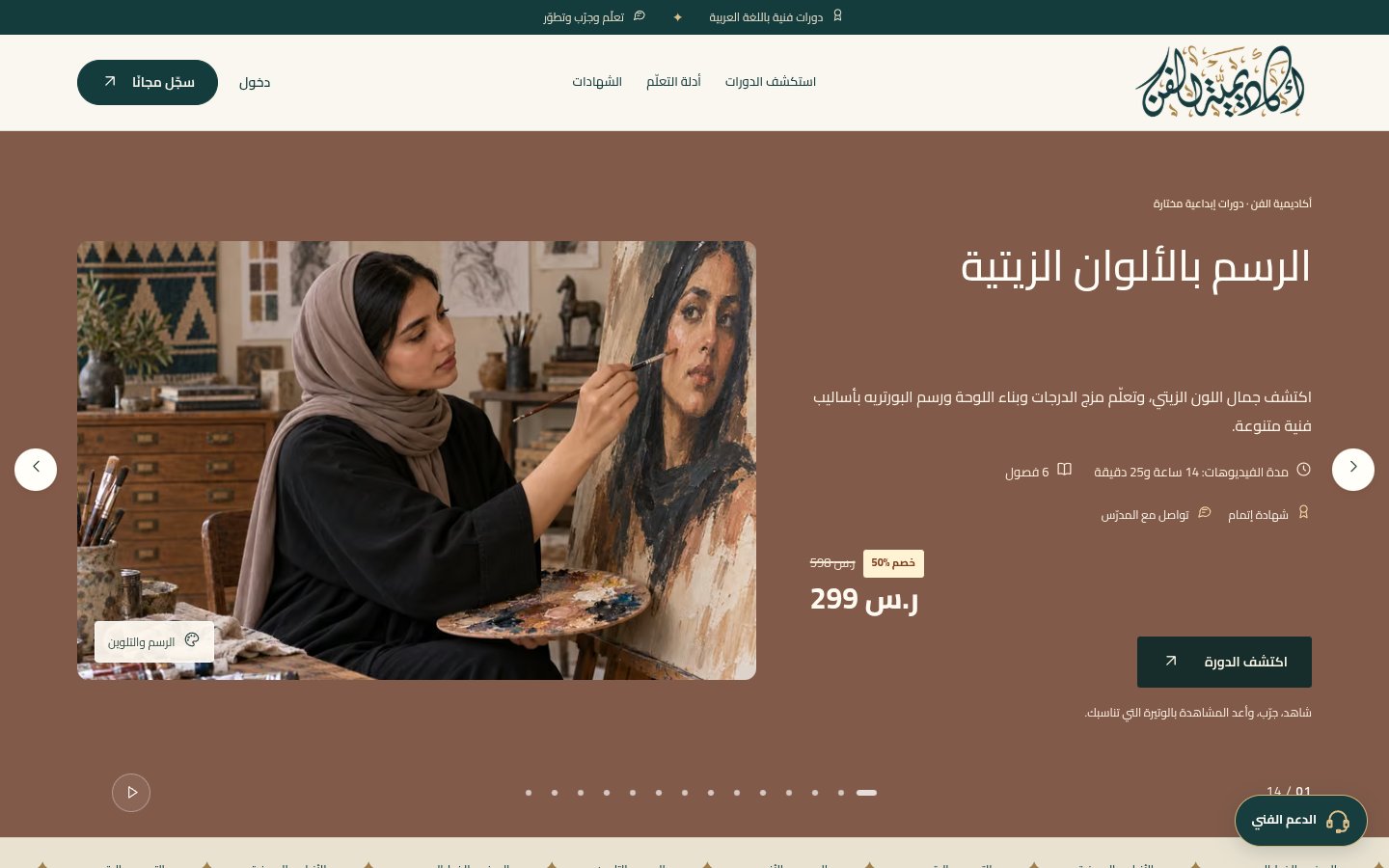
An Arabic art academy with courses across several disciplines. Its interface connects catalogue discovery, course details and the learning account.
A screenshot from our portfolio; the published interface may change with updates.
Interface organisation decisions
Group the content
Drawing, digital art and craft categories group courses by subject, with filters for the visitor’s interests.
Support comparison
Course cards show the subject, duration and details link, keeping the choice tied to what the student will learn.
Connect discovery with learning
Account links, learning guides and the digital teacher connect the first visit with learning content and support.
Apply the idea to your website
For several services, use understandable categories and a clear description for each offer. Choose a plan around the pages and features your experience needs.